Head of operations
- Before
- 'Which orders are late?' means four tools and a write-up.
- After
- One question, one answer with the rows and the source attached.
<2sfrom question to answer
We connect an AI assistant to the systems you already run: CRM, billing, helpdesk, documents. Your team asks in plain language and gets an answer with the source attached. The assistant reads only what you allow, and every query is logged.
Company assistant
Connected to CRM, billing and helpdesk
Which customers in Germany renewed late last quarter?
7 customers in Germany renewed more than 14 days after their renewal date in Q3. The three largest:
| Customer | Days late | ARR |
|---|---|---|
| Nordlicht Energie AG | 15 | €31.0k |
| Müller Logistik GmbH | 23 | €18.4k |
| Brandt Medien | 17 | €9.6k |
+4 more in the full list
Sources: CRM · accounts, Billing · invoices · read 14:02 today
What it answers depends on who is asking.
<2sfrom question to answer
91%of invoices matched without a person
4 weeksto a working proof on your real data

01
We wire the assistant into your CRM, billing, helpdesk and document store through their APIs or a read replica. No migration, no new platform, no copy of your data in someone else's cloud.
02
Every answer names the system, the table and the time it was read. If the data is not there, the assistant says so instead of guessing.
03
Read-only by default. Each person sees only what their own login allows, and every query is logged with who asked and what was read.
04
A dashboard with usage and cost per answer, plus a set of at least 50 graded test questions we rerun on every change. You know when an answer drifts before your team does.
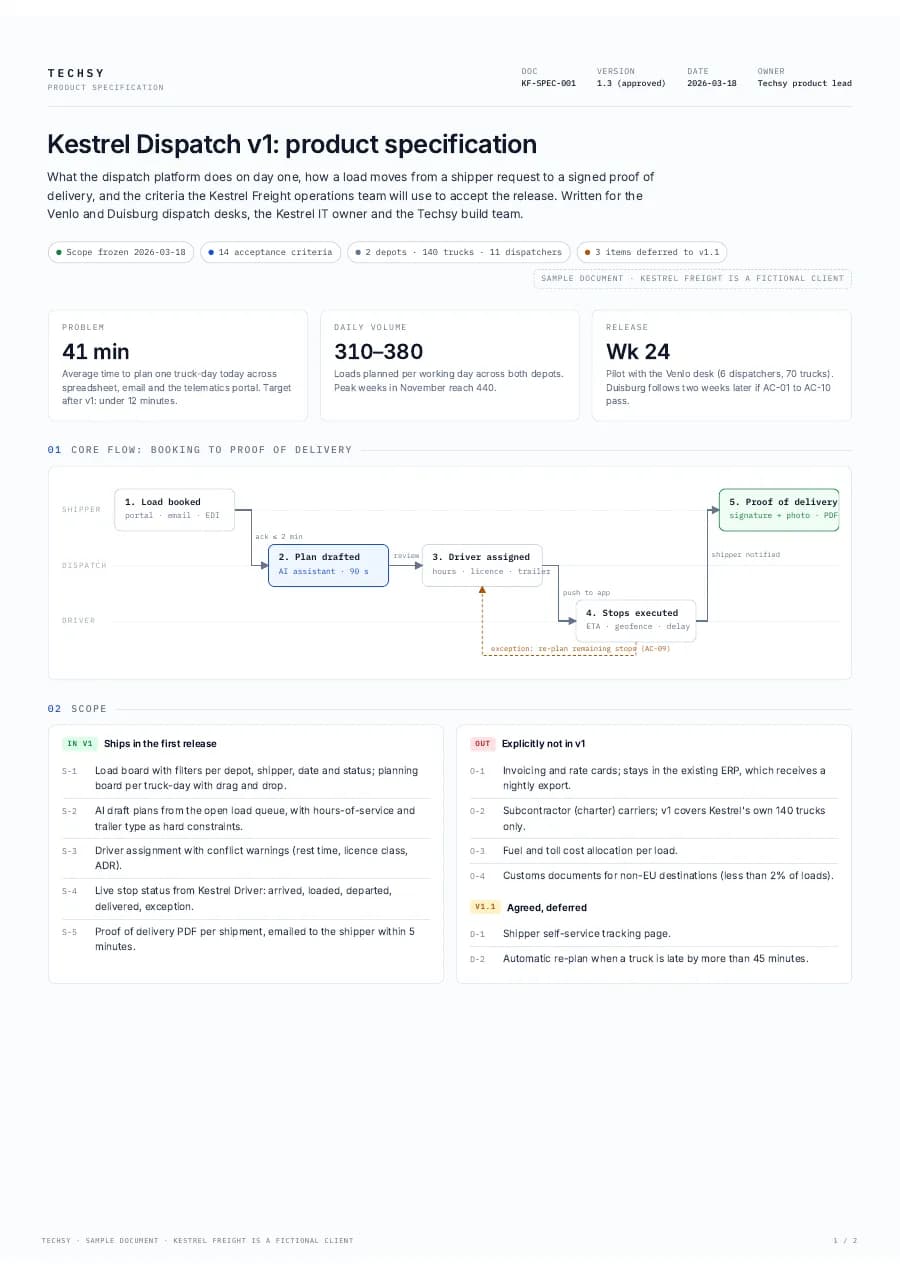
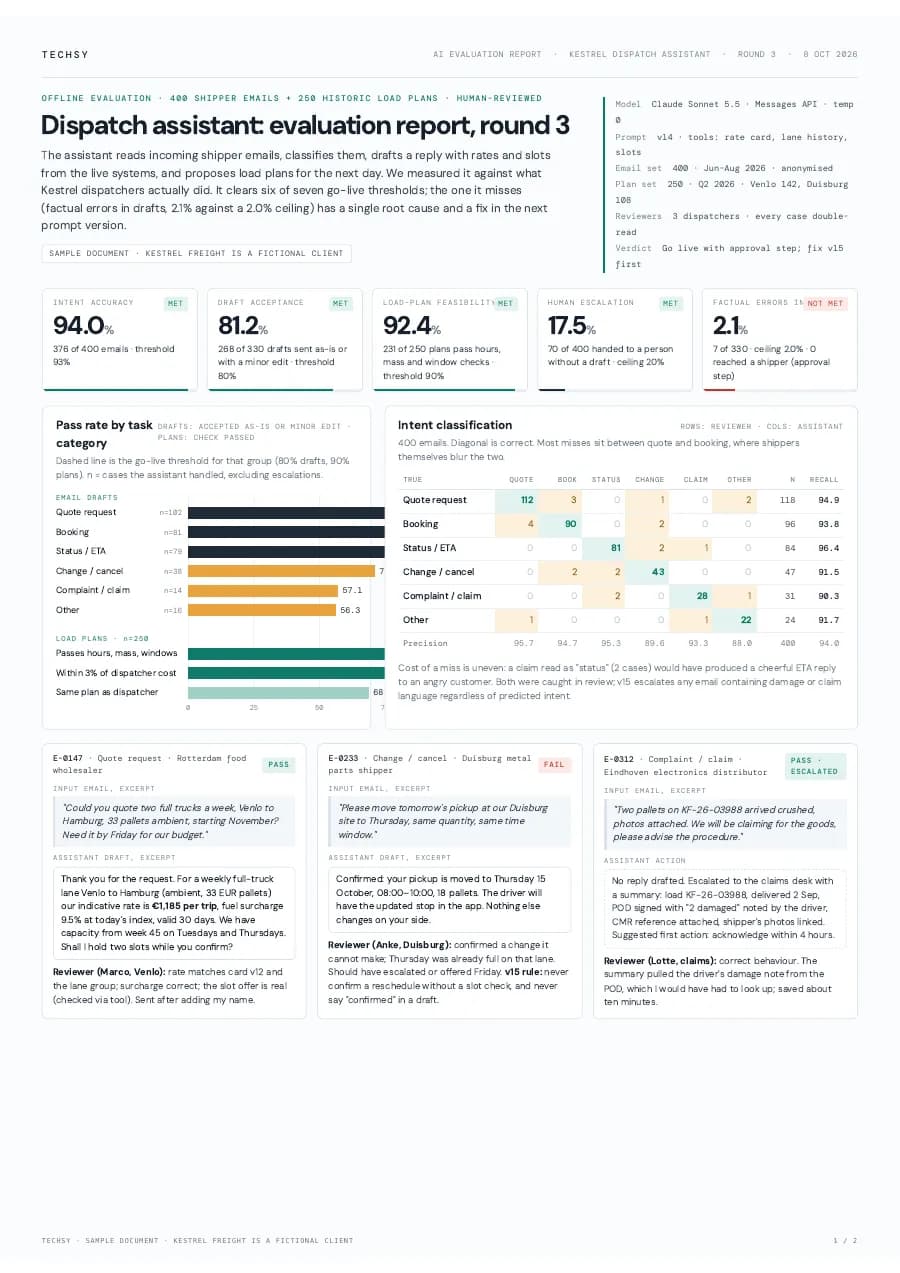
The same folder you see on the pricing page. Open any one to read a sample first page.
All of these documents come free with the package; none of them adds a line to your plan.
 SampleSample document, fictional clientSample PDF
 SampleSample document, fictional clientSample PDF
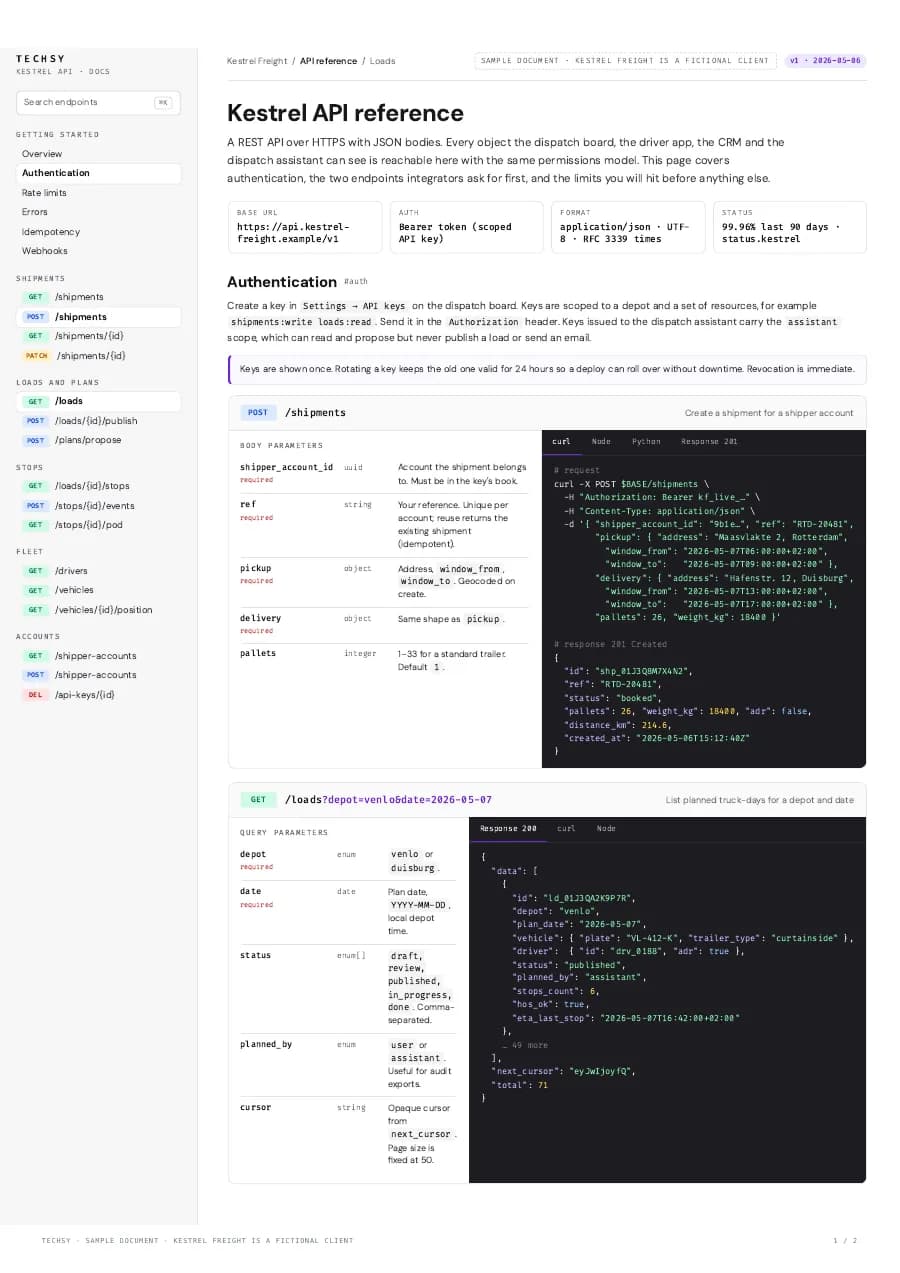 SampleSample document, fictional clientSample PDF
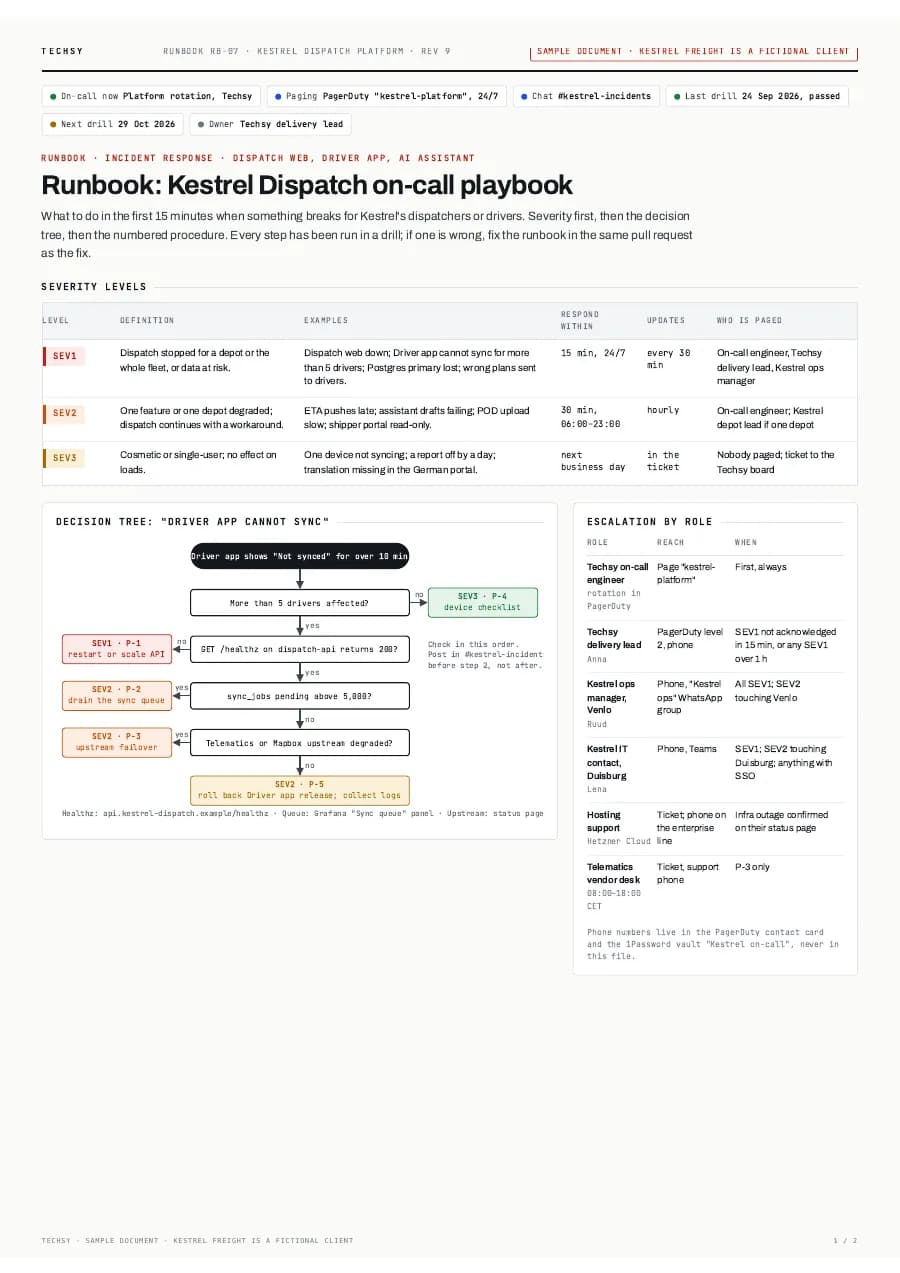 SampleSample document, fictional clientSample PDF

You give us read access and an hour a week. We do the connecting, building and testing, and you see accuracy numbers before you commit to production.
Week 1
Weeks 2–3
Week 4
Every month
Graded on your real data, and the next step is priced once the first one proves itself.
30 minutes
You tell us which questions your team asks most and which systems hold the answers. We tell you whether the data supports it, what the first surface should be and what it costs.
Live in 4 weeks
One assistant or model connected to one or two systems, answering with sources, with an evaluation report on your real cases, permissions you set and a cost and quality dashboard.
Ships in 8 weeks
Several surfaces over your CRM, billing, helpdesk and documents, a human review queue for the low-confidence answers, model routing per task, and an API your own product can call.
Every month after launch
We re-run the evaluations as your data changes, swap models when a better one lands, keep the hosting in your region, and extend to the next team's questions.
We read your systems through their APIs, host the model in your region, and answer in Slack, Teams, WhatsApp or email.
Anything else with an API: we write the connector and hand you the code.
Data sources
Models and hosting
Where it answers
Integration
An assistant on your own CRM, helpdesk and documents
$12,000
Starting price · one-off payment

You leave understanding what you need.
We hear these on every sales call. If your question is not here, book a call.
Maybe. We need at least a few hundred labeled examples for classification tasks. For prediction, 6-12 months of historical data is a good start. If you do not have enough, we can sometimes use pre-trained models and fine-tune with your smaller dataset. We assess this in the first two weeks, before you commit.
Every model has a confidence threshold. Below that threshold, the case goes to a human. For critical business decisions, we always keep a human in the loop. The AI handles volume. Your team handles judgment.
We test for bias before deployment and monitor for drift after. For generative AI, we constrain outputs to your domain data and validate against known answers. We are honest about what AI is bad at. Some tasks should not be automated.
Yes. We deploy AI as a REST API that sits alongside your current systems. Your ERP, CRM, or custom tool calls the API and gets a result back. No platform changes needed.
Proof of concept in 4 weeks on real data. You see accuracy numbers and decide whether to go to production. Production deployment takes another 4-8 weeks depending on integration complexity.
In our experience, no. AI handles the repetitive volume work. The team members who used to do that work move to tasks that need human judgment. The accounting team that automated invoice matching now spends time on vendor negotiations and exception handling.
Didn’t find your answer?
Ask a personBook a scoping call and we map the build, the cost, and the timeline. Most teams leave the first one with a fixed plan.
Three quick questions, then your price band and timeline. No call needed.