Finance lead
- Before
- Eight hundred invoices a month, typed and checked by hand.
- After
- Read, matched and posted; only mismatches reach a person.
4 sto route an invoice, was 8 min
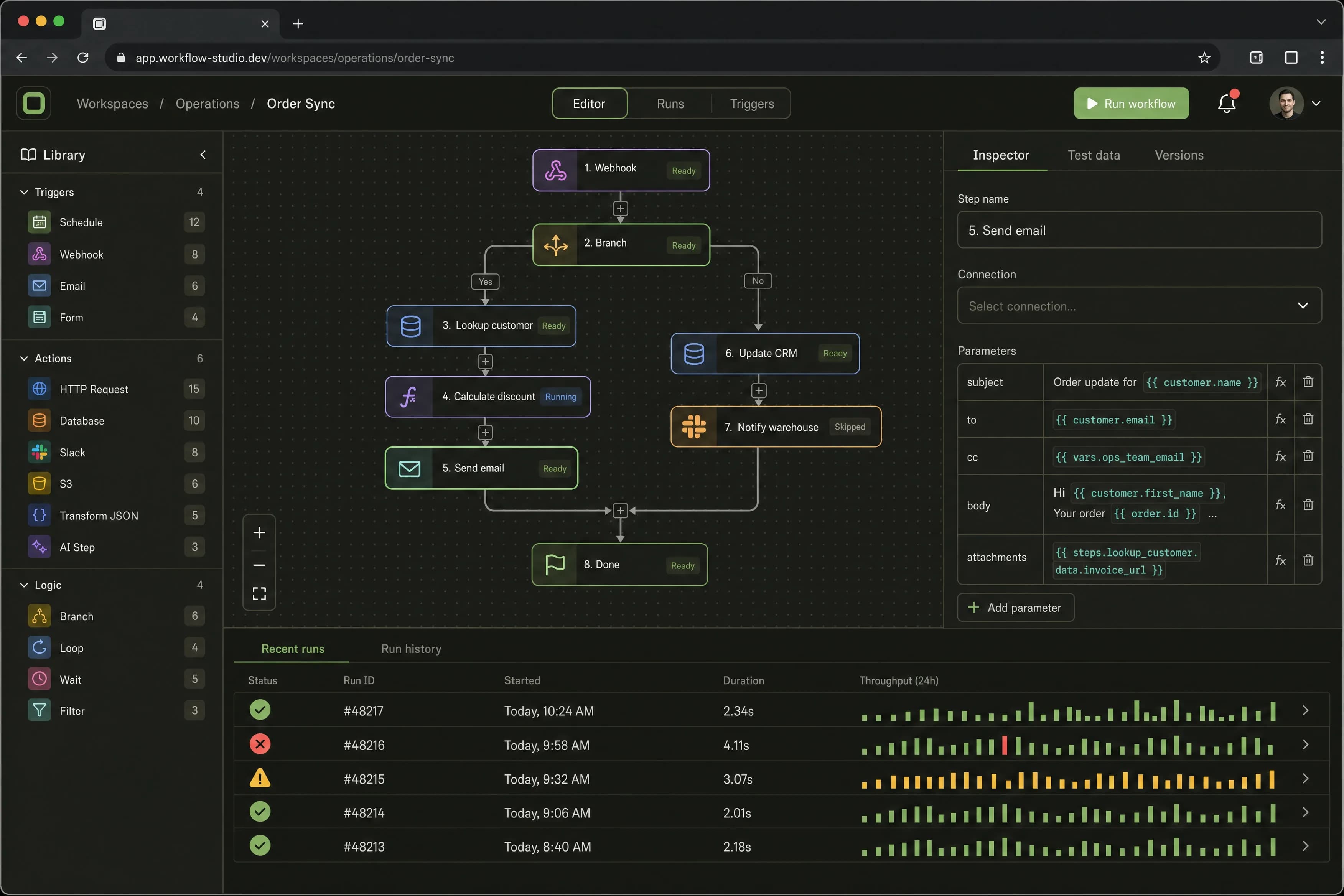
Data entry, invoice matching, handoffs between tools. If your team does it the same way twice, we build a workflow that does it instead: started by an event, every step logged, the exceptions sent to a person.
Client onboarding
Run #8314 · started by DocuSign
Contract signed in DocuSign
C-2041 · Nordwind GmbH · 09:41
Create customer record
HubSpot
Create project from template
Asana
Send welcome email to Lena Vogt
Gmail
Post summary to #new-clients
Slack
Book kickoff call, Thu 10:00
Google Calendar
If someone copies data between tools on a schedule, that is a workflow we can build.
4 sto route an invoice, was 8 min
23 hback per team, every week

01
An event starts it: a signed contract, an invoice in the inbox, a new row in a sheet. The workflow runs each step in order, retries what fails and finishes without anyone pressing a button.
02
CRM, email, Slack, accounting, spreadsheets, your own database. We use the official integrations where they exist and write a connector for any system with an API.
03
When a step hits something it cannot handle, the run stops, logs the issue and sends it to someone on your team with the full context. No silent failures.
04
Every run, every step and every retry is logged where your team can read it. Each month you get the count: runs handled, hours saved, errors caught.
The same folder you see on the pricing page. Open any one to read a sample first page.
All of these documents come free with the package; none of them adds a line to your plan.
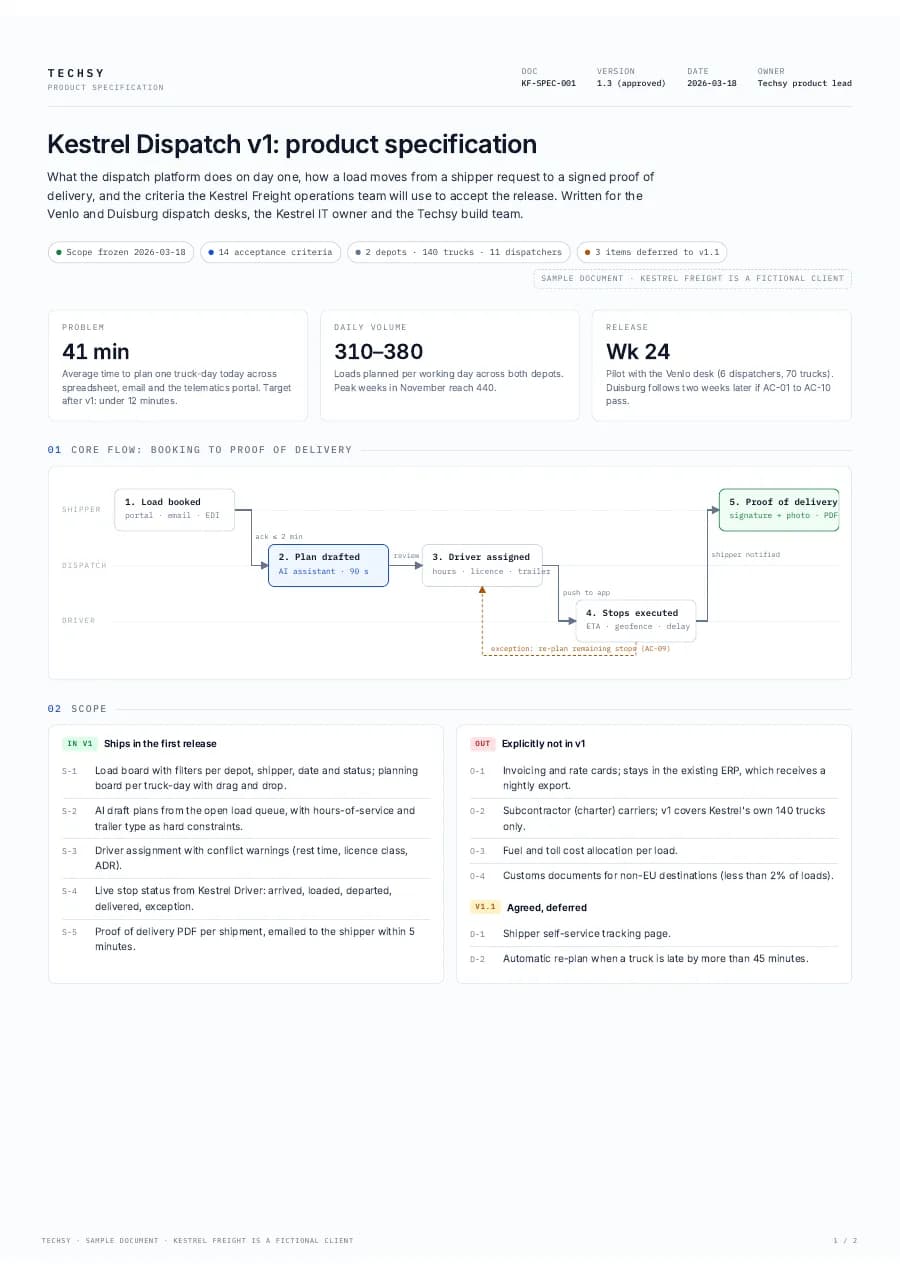 SampleSample document, fictional clientSample PDF
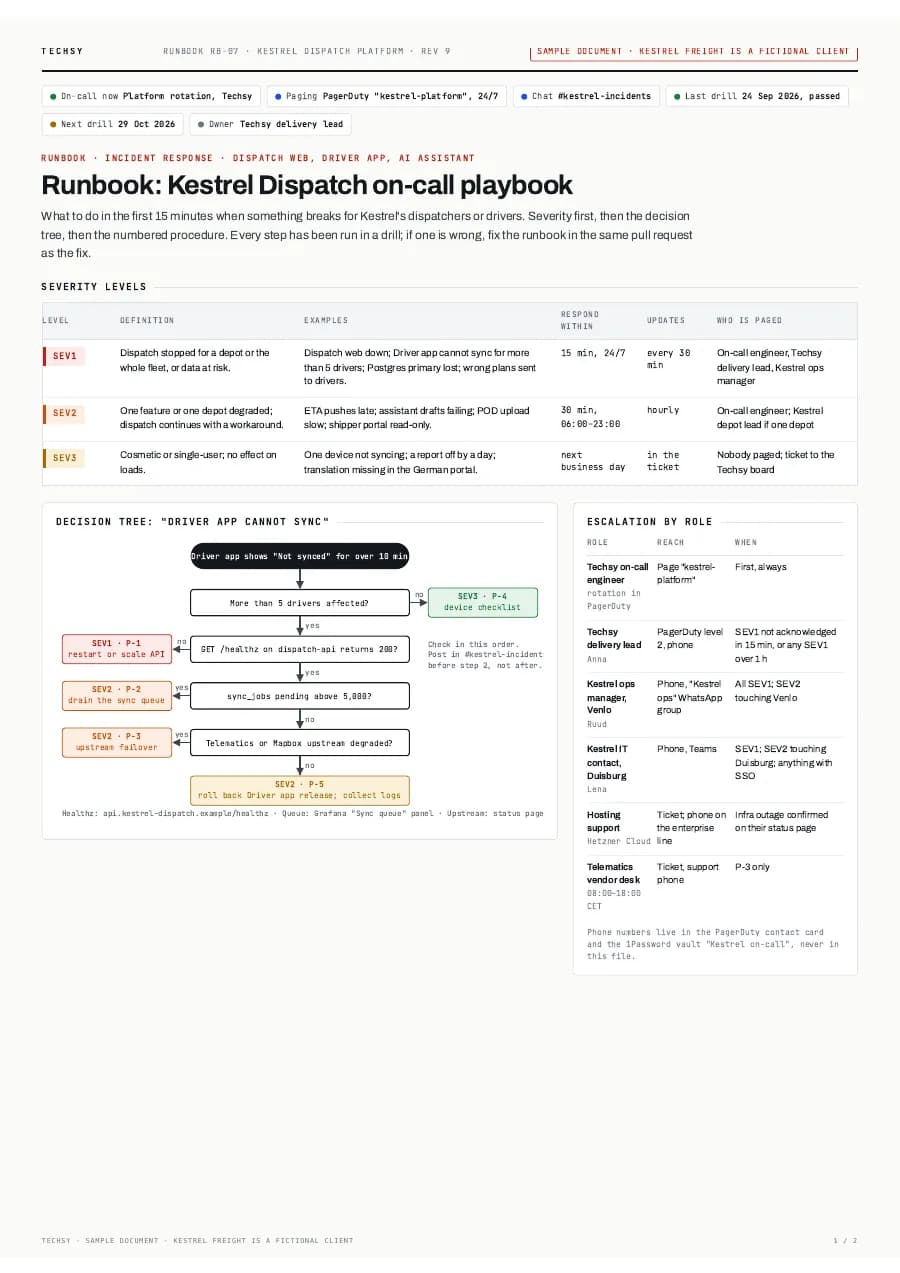 SampleSample document, fictional clientSample PDF
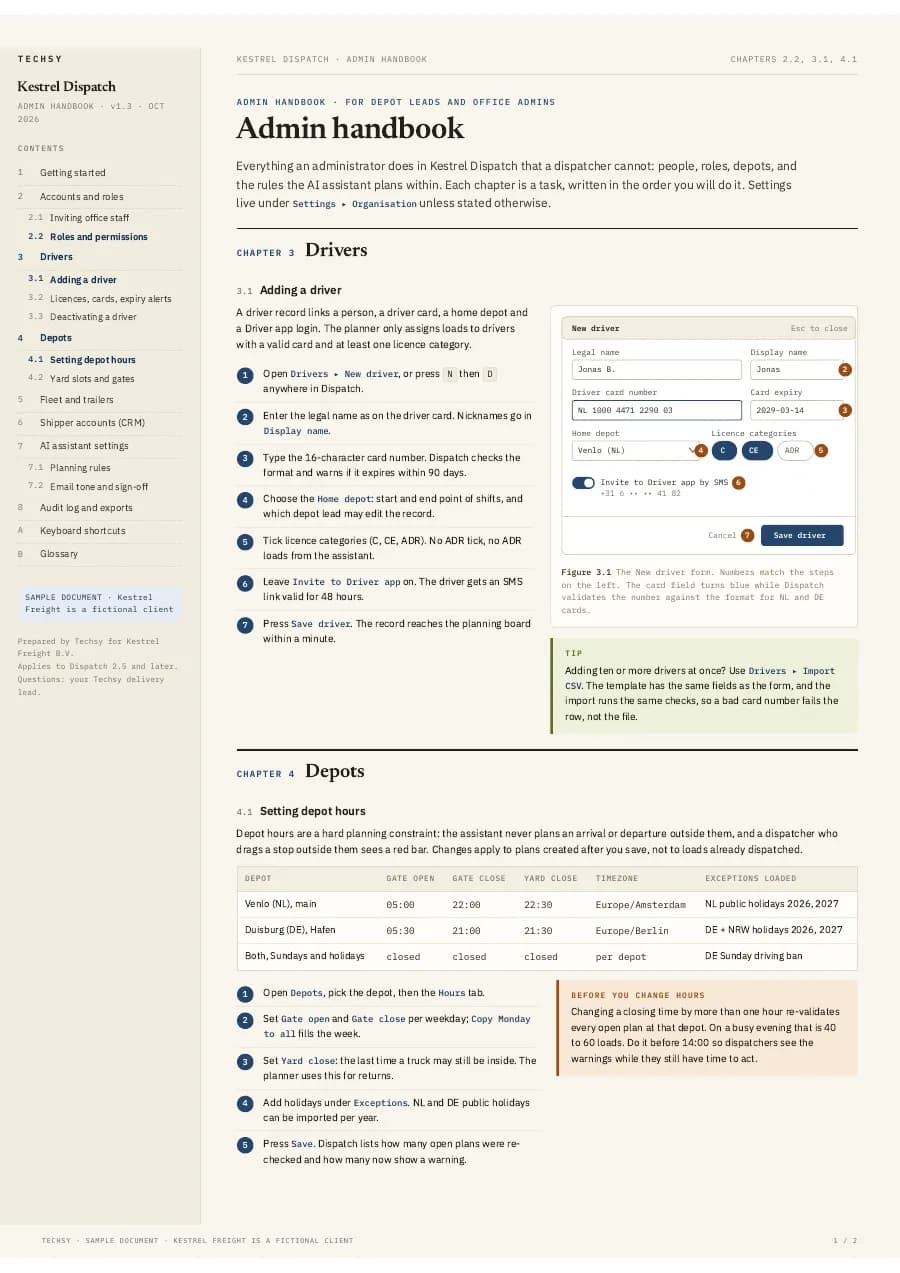 SampleSample document, fictional clientSample PDF
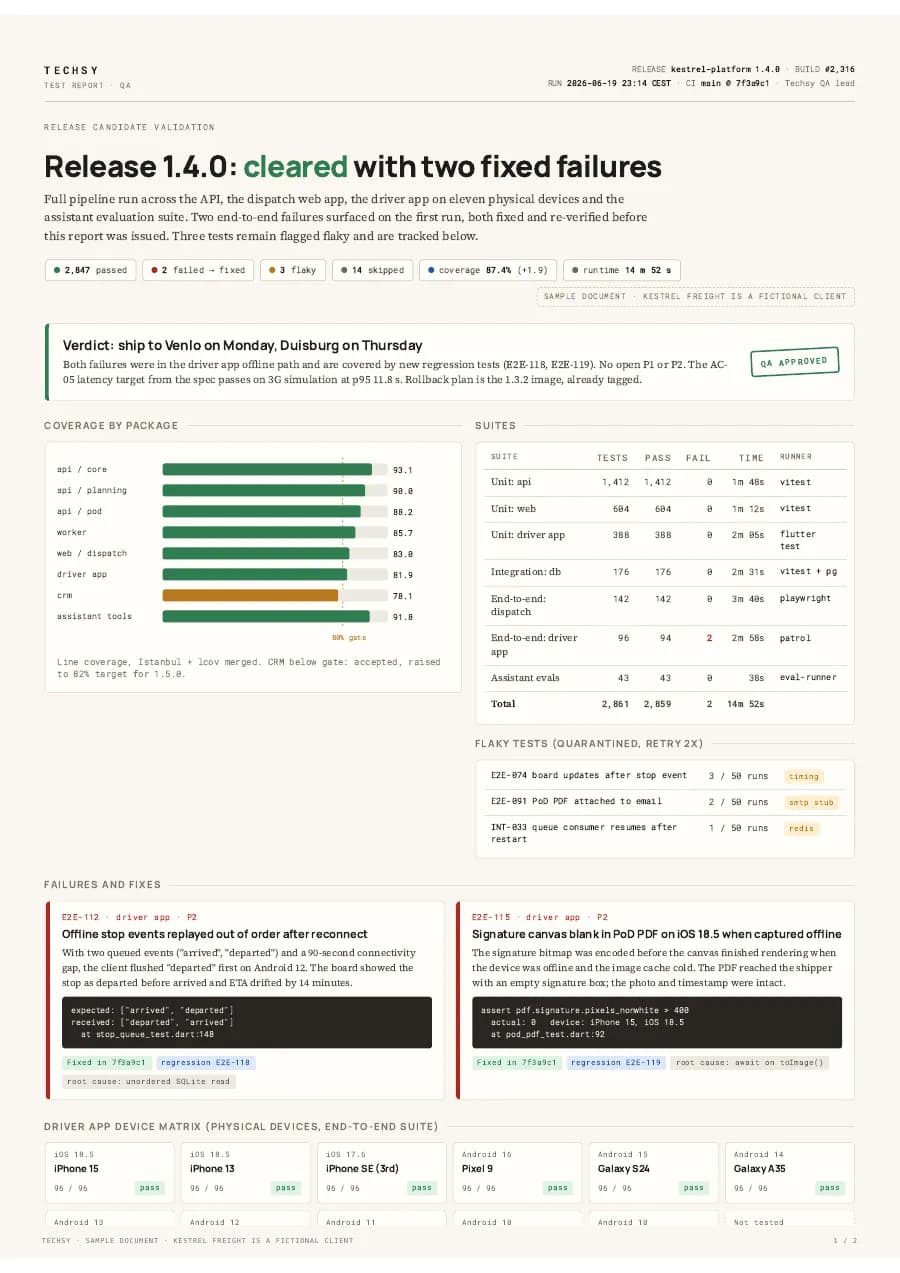 SampleSample document, fictional clientSample PDF

You give us an hour a week and access to the tools. We watch the process, build the workflow, run it next to the old way and hand it over.
Week 1
Weeks 2–3
Weeks 3–4
After cutover
We measure it for a month before proposing the next one.
30 minutes
You describe the task your team repeats most and the tools it touches. We tell you whether it automates cleanly, what stays with a person, and what the first workflow costs.
Live in 3 weeks
A workflow started by an event in your tools, every step logged, exceptions sent to a person, run side by side with the manual process until the results match, then cut over.
Ships in 6 weeks
Several workflows on one runtime with shared connectors, a review queue for the exceptions, run history your team can search, and a monthly report with hours saved.
Every month after launch
We watch the runs, fix the steps that start failing when a tool changes, add the next workflow from your list, and keep the report honest.
A workflow starts from an email, a payment or a form, reads and writes your CRM, ERP and sheets, and runs on a runtime you own.
Anything else with an API: we write the connector and hand you the code.
Triggers
Systems of record
Runtime
Operations
Orders, stock, invoicing and the ledger, connected
$22,000
Starting price · one-off payment
Operations
Data entry and handoffs done by workflows
$8,000
Starting price · one-off payment

You leave understanding what you need.
These are the questions we hear most on sales calls. If yours is not listed, book a call.
Start with high-volume, rule-based tasks. Invoice processing, data entry between systems, and report generation usually give the fastest payback. We help you prioritize by estimating hours saved per process.
It stops, logs the issue, and routes it to a human with full context. No silent failures. We design every automation with an exception path. Your team gets a notification and a clear view of what went wrong.
In our experience, no. Teams redeploy the saved hours to work that was getting neglected. The accounting team that automated invoice processing now spends more time on vendor negotiations and financial planning.
Every automation is modular. Changing a step or adding a new rule takes hours, not weeks. We document everything and can train your team to make simple updates themselves.
We measure before and after. Hours per task, error rate, processing time. You get a monthly report showing exactly what the automation handled and how much time it saved. No guesswork.
UiPath, Power Automate, Zapier, n8n, and custom Python scripts. The choice depends on your process complexity and existing tech stack. We recommend what fits, not what has the biggest partner discount.
Didn’t find your answer?
Ask a personBook a scoping call and we map the build, the cost, and the timeline. Most teams leave the first one with a fixed plan.
Three quick questions, then your price band and timeline. No call needed.